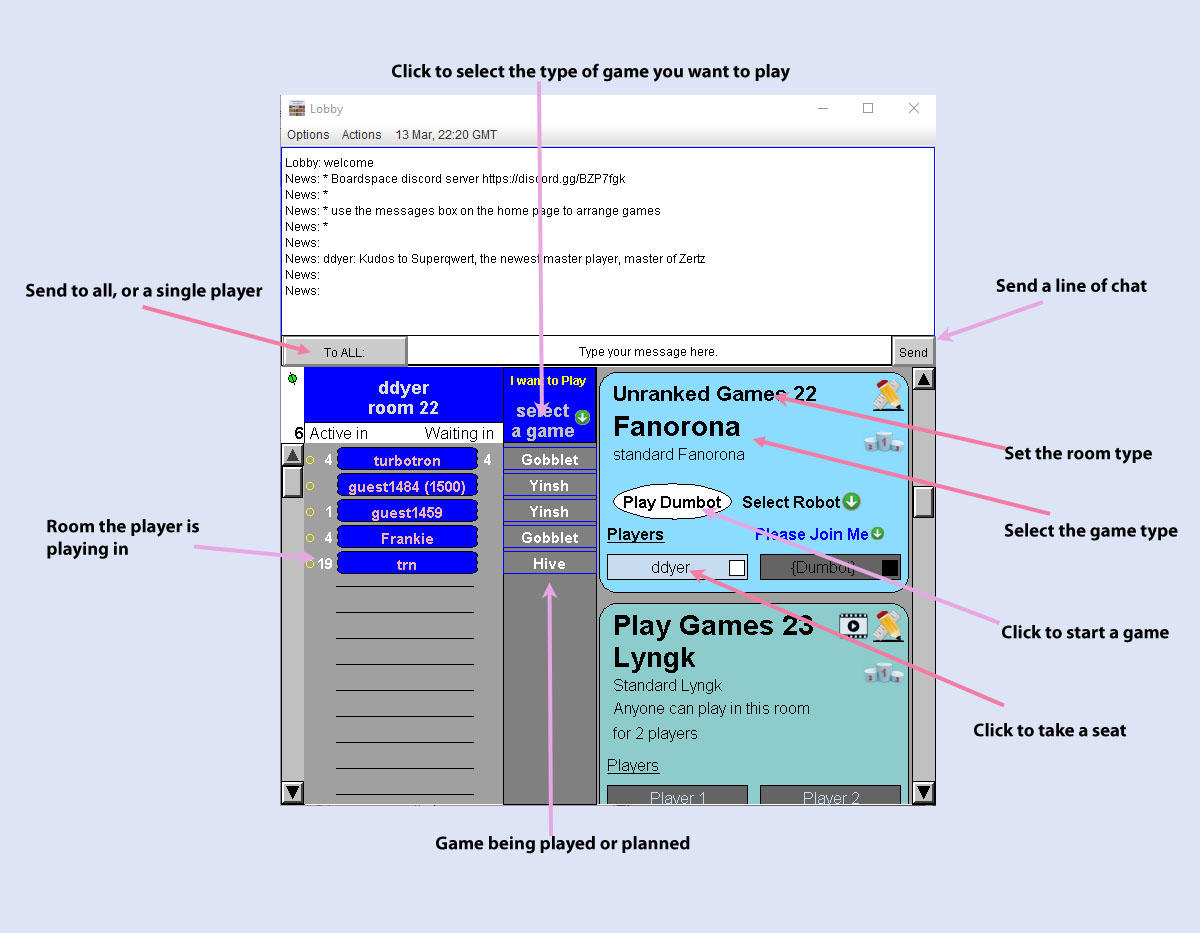
| Select the type of game you want to play | If you are looking for a particular game, click here and select a game. This will advertise to everyone else in the lobby which game you want to play, but it doesn't directly do anything else. |
| Send to all, or a single player | Chat messages can be sent to everyone in the lobby, or privately to a single player you select here. |
| Send a line of chat | Send a line of chat to the players in the lobby. |
| Set the room type | There are several room types, the most important are
|
| Click to Start a game | When enough players are waiting to start a game, click here to actually launch the game. Only the person who set up the game, and "owns the room" can start the game. For games "in progress", this button will say "spectate", you can click to watch the game being played. |
| Click to take a seat | Click on an empty seat to wait for the game to start. In games with human opponents, this also selects the starting player or color you will play. In games with robot opponents, the starting player is randomized. |
| Game being played or planned | The middle column show what games are in progress. You can click to scroll the games list to see the room. |
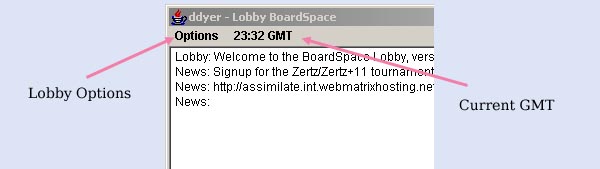
| Lobby Options |
You can turn off
sound, turn off lobby chat, globally prevent invitations to play. |
| Current GMT |
using GMT is the
most reliable way to agree on times to play tournament games. |
| More
Help |
Some short help videos,
which cover about the same material as this text page. |
| E-mail: | Go to BoardSpace.net home page |
